How to sign a PDF online for free
You don’t need to print, scan or pay to sign a PDF. Here’s how to sign one yourself with Tavenca, free and with no limit on how many documents you sign.
Updated
Step 1: Open Tavenca and choose your PDF
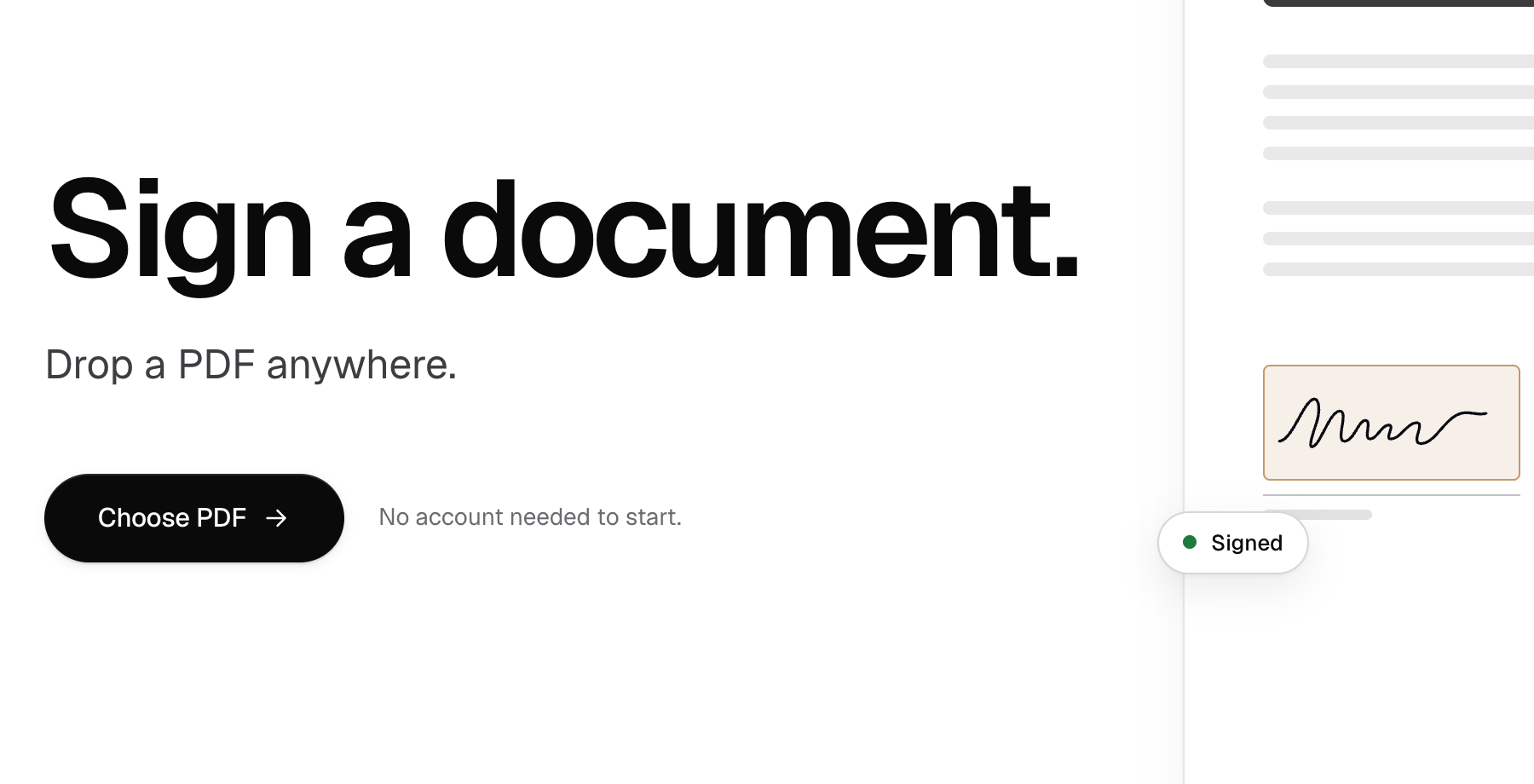
Go to app.tavenca.com and choose Choose PDF, or drop the file anywhere on the page. You don’t need an account yet: the PDF stays on your device while you work. PDFs can be up to 4 MB.
Step 2: Place your fields
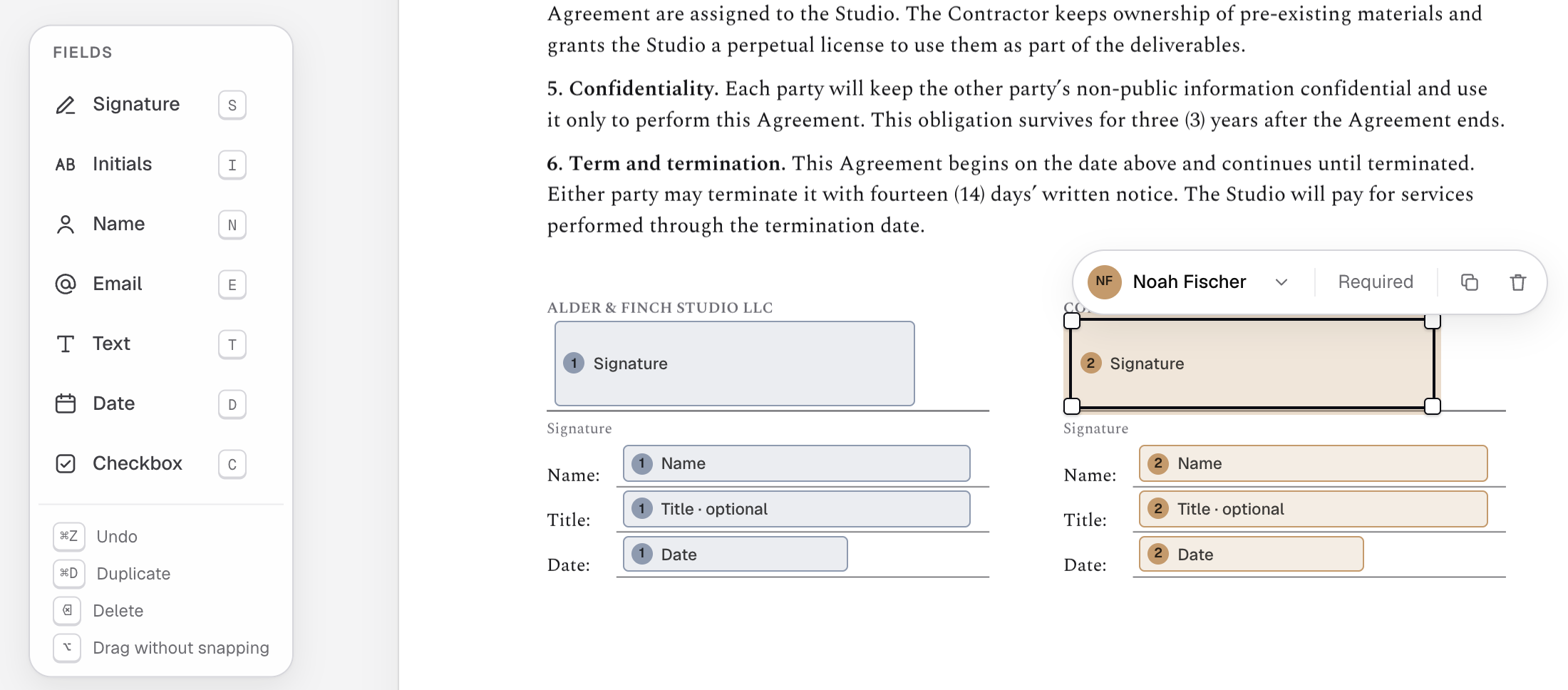
Pick Signature from the field bar, then tap or click where it goes. Add Initials, Name or Date the same way. On a computer you can also drag fields straight onto the page.
Step 3: Add yourself as the signer
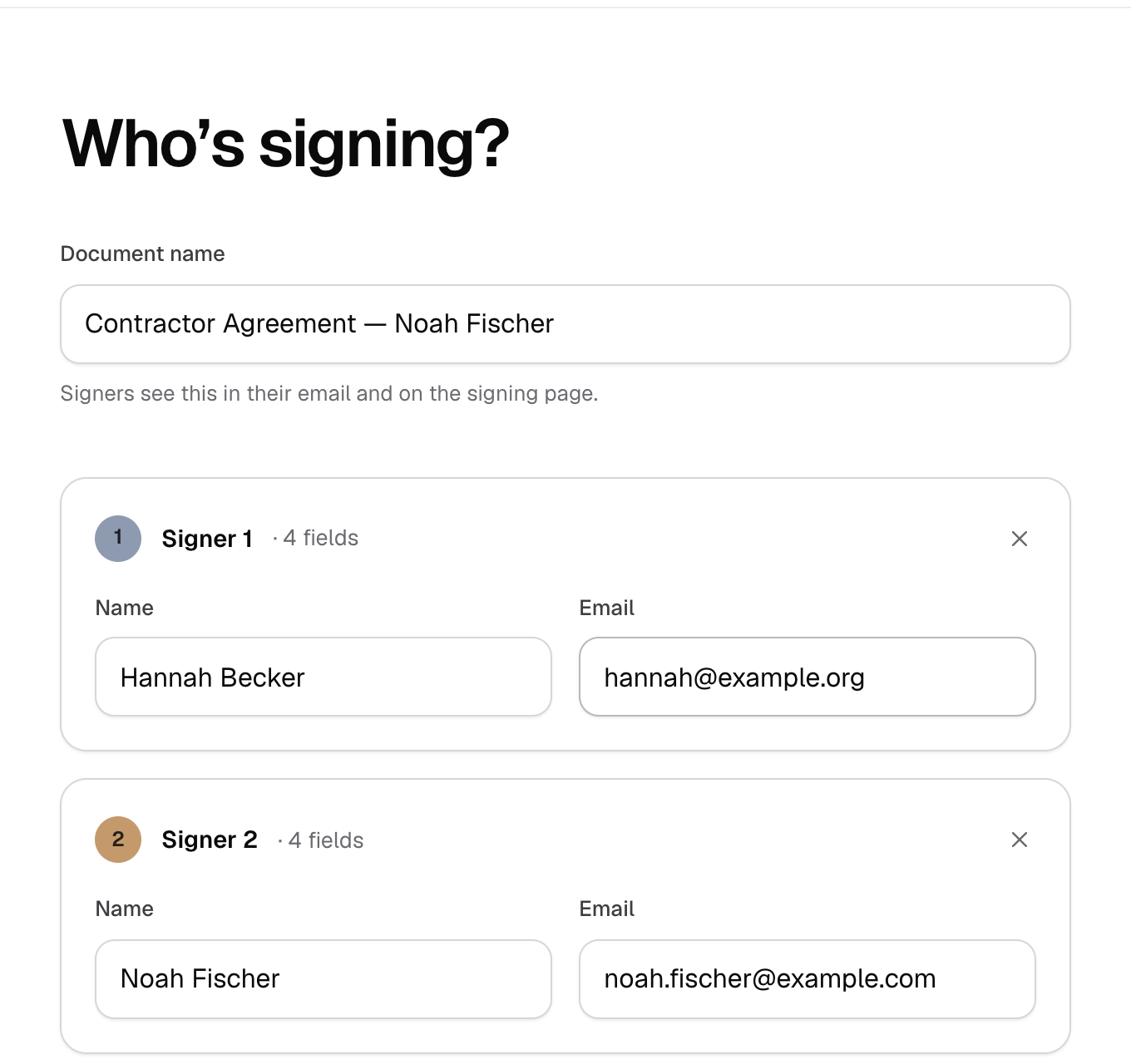
Choose Continue, then enter your own name and email under Who’s signing?, along with anyone else who needs to sign. Choose Send. The first time, you confirm your email with a 6-digit code instead of a password.
Step 4: Sign it
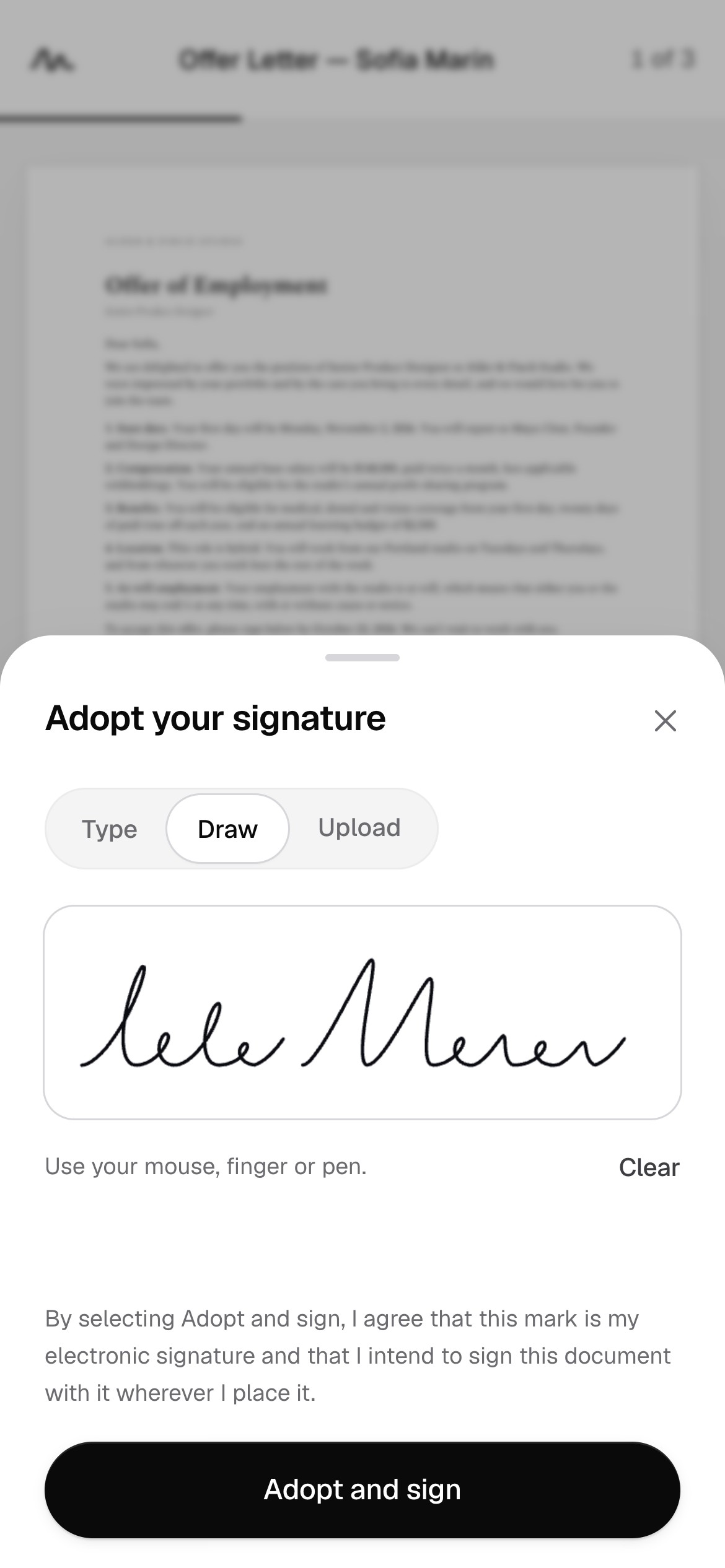
When it’s your turn, the document appears in your documents under Needs you, with a Sign button. Tavenca takes you from field to field: type, draw or upload your signature once, place it, and choose Finish signing.
Step 5: Download the signed PDF
When everyone has signed, each signer gets an email with a link to the completed PDF and its certificate of completion. As the sender, you can download both from your account at any time.
Good to know
- Tavenca is free, with no monthly limit on documents or signatures. Why it’s free.
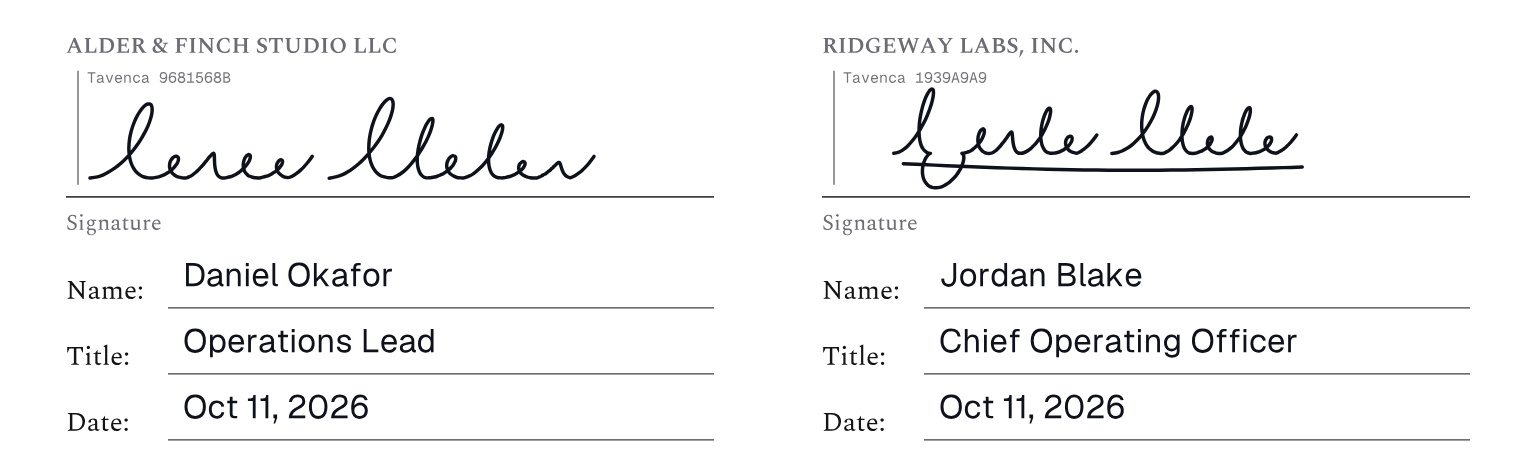
- Typed signatures are shown in a plain typeface and labelled as electronic.
- Every completed document gets a certificate of completion recording who signed, when and from which device, and anyone can check a copy later.
- Some documents, such as wills, may need a handwritten signature, witnesses or a notary. Whether an electronic signature suits yours depends on the document and where you are; for anything important, ask a lawyer.
Free, unlimited e-signatures.
No credit card, no trial, and no account needed to start.