Place fields in seconds.
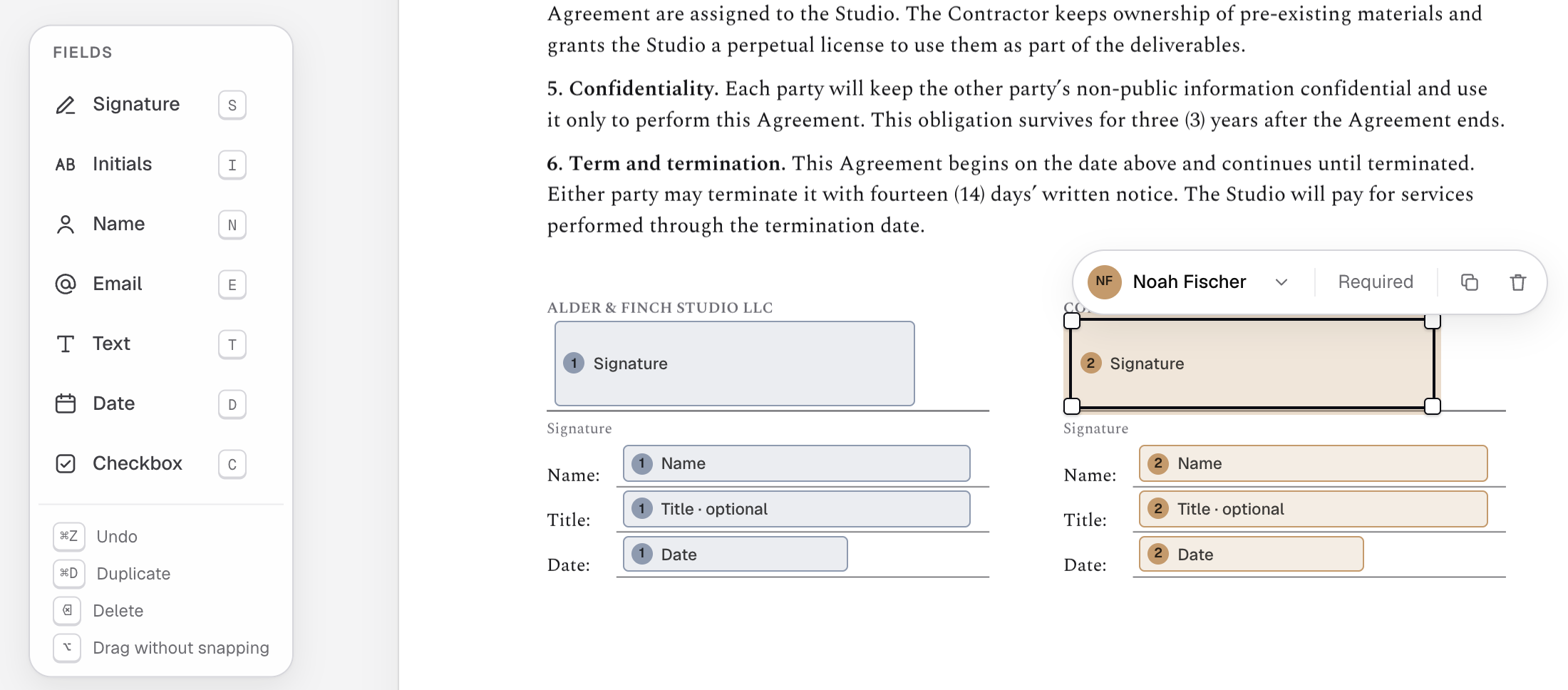
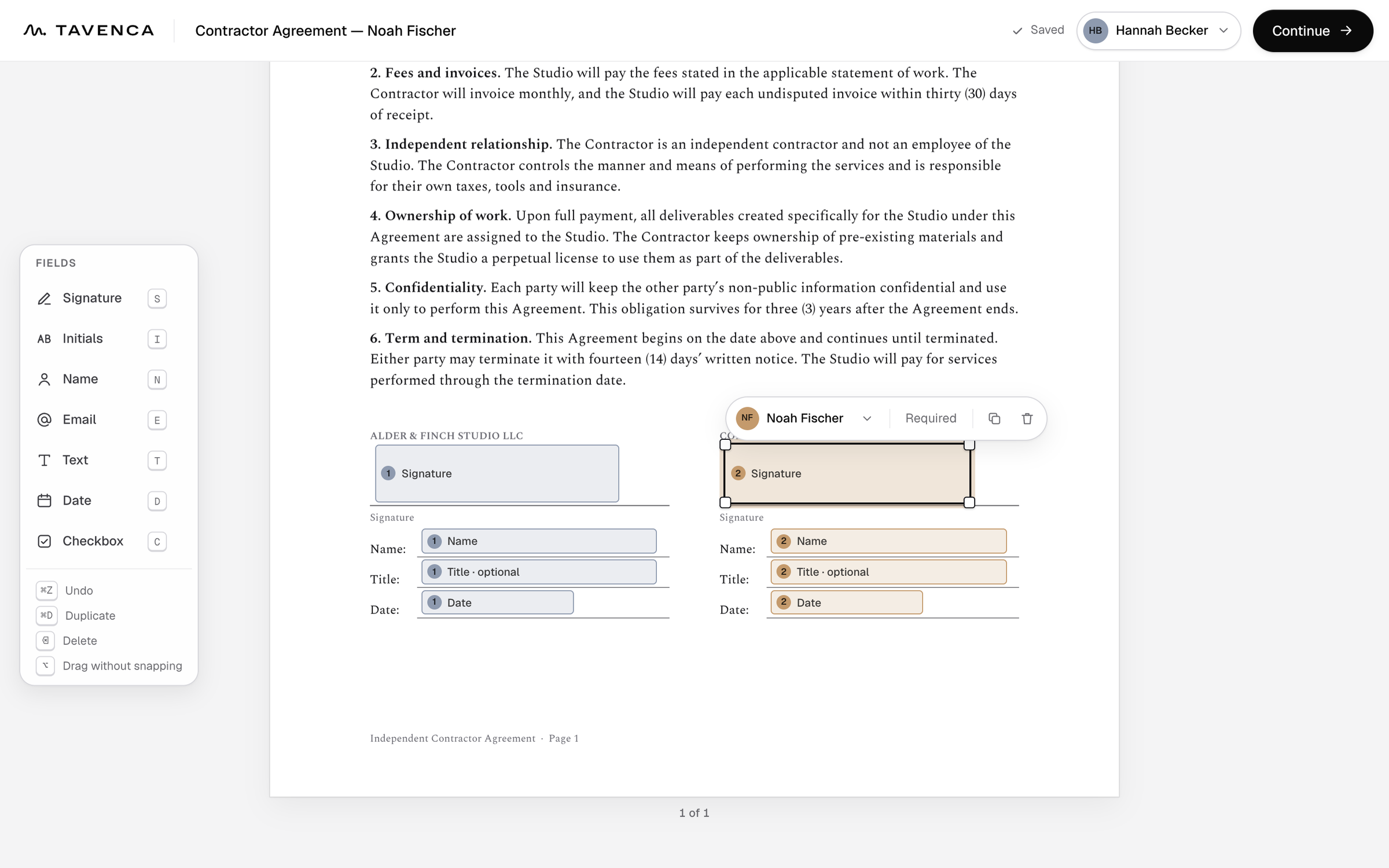
Drag in signatures, initials, names, dates and text. Each signer’s fields are color-coded and numbered, and snap into line.
Upload a PDF, place the fields, and send. Signers finish on any device, with no account and no app.
Upload a PDF, place the fields and send. Nothing to set up, nothing to learn.
A personal link that opens on any phone or computer, and a guided path through every field. No account, no app.
Encrypted, fingerprinted and locked when complete, with a certificate of completion and a record anyone can check.
Drag in signatures, initials, names, dates and text. Each signer’s fields are color-coded and numbered, and snap into line.
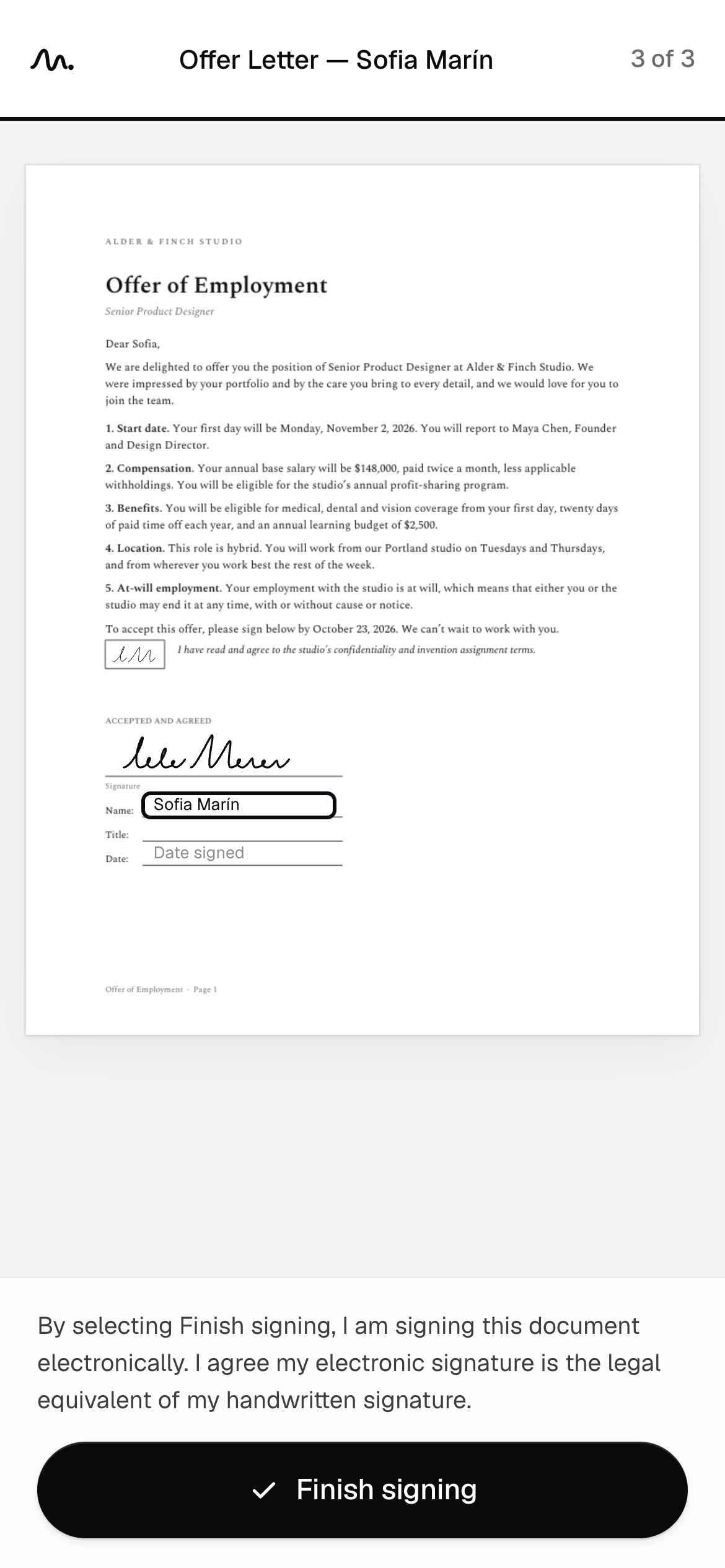
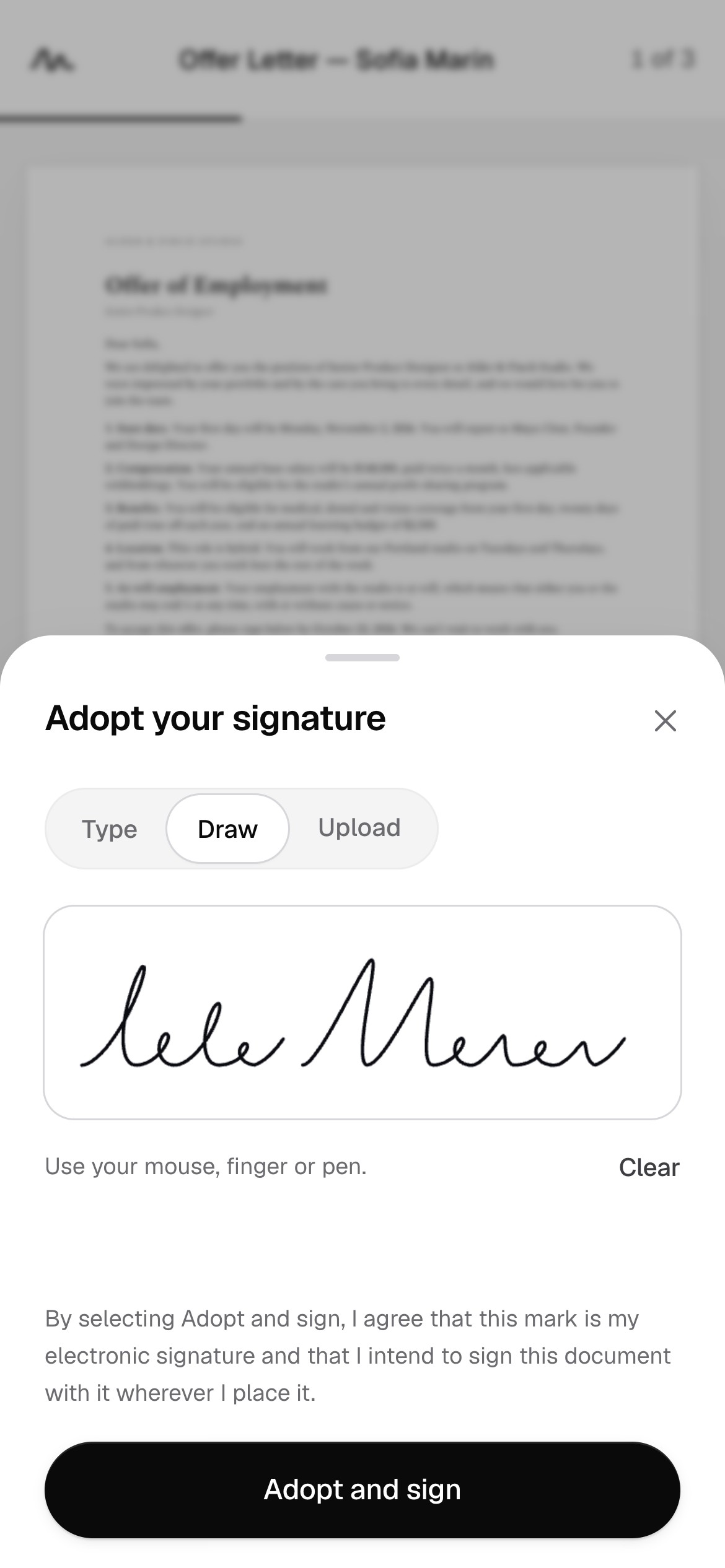
Signers move from field to field on any phone. Nothing to download, no account to create.
See who has signed, who’s next and what’s waiting on you.
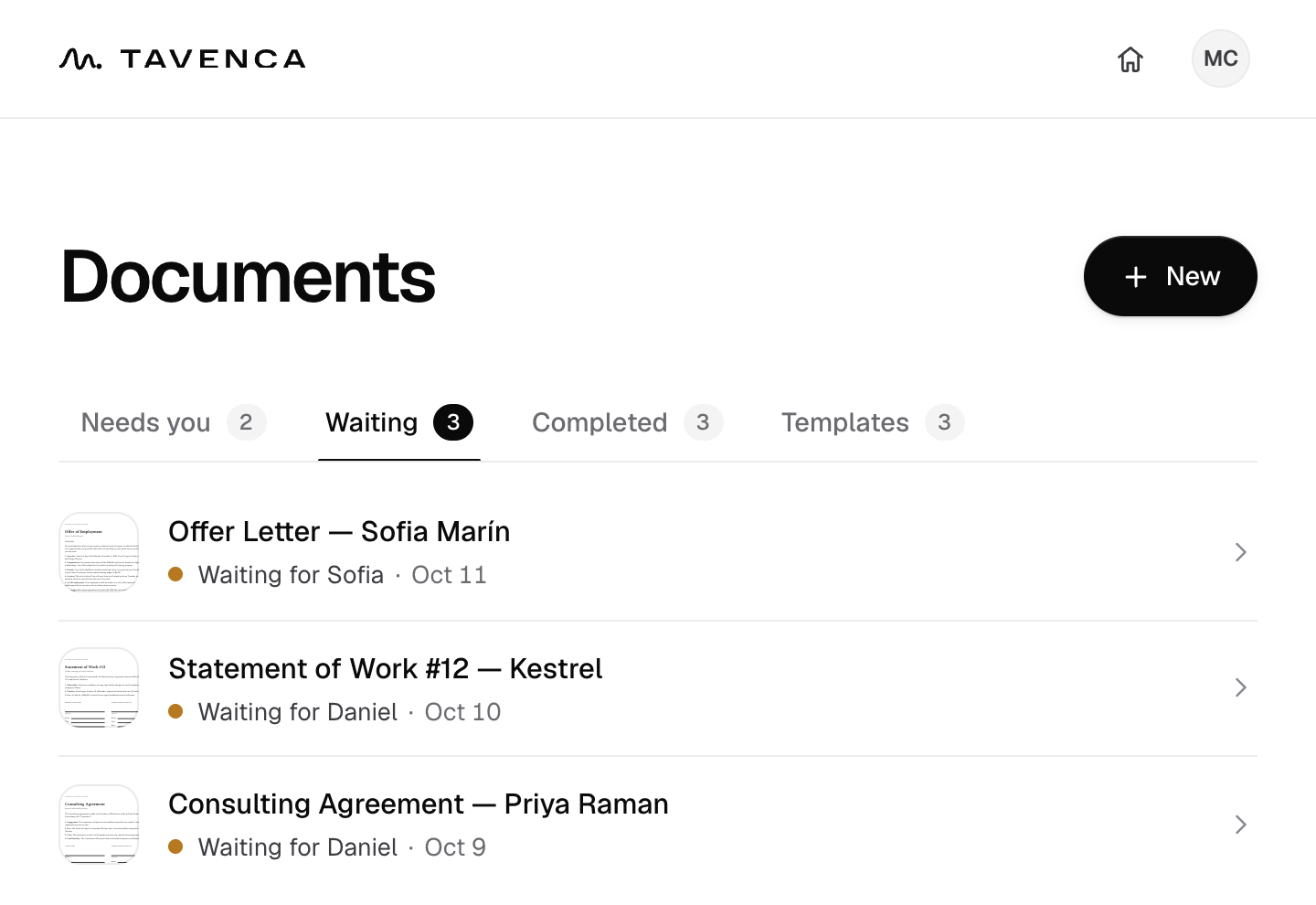
Each signer is greeted by name and gets a link of their own. Replies come straight to you.
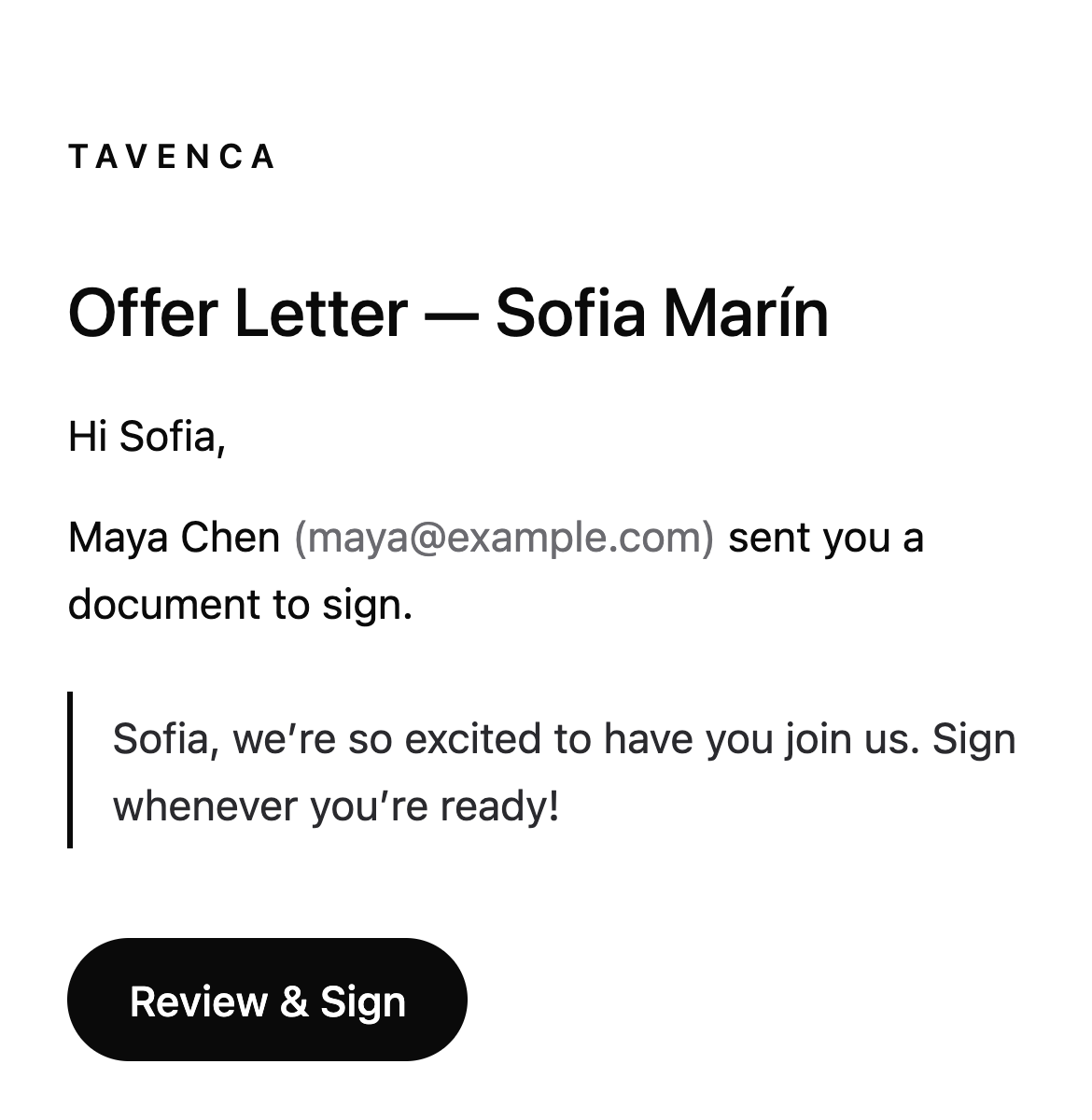
Who signed, when, from which device and IP address, alongside the document’s SHA-256 fingerprint.
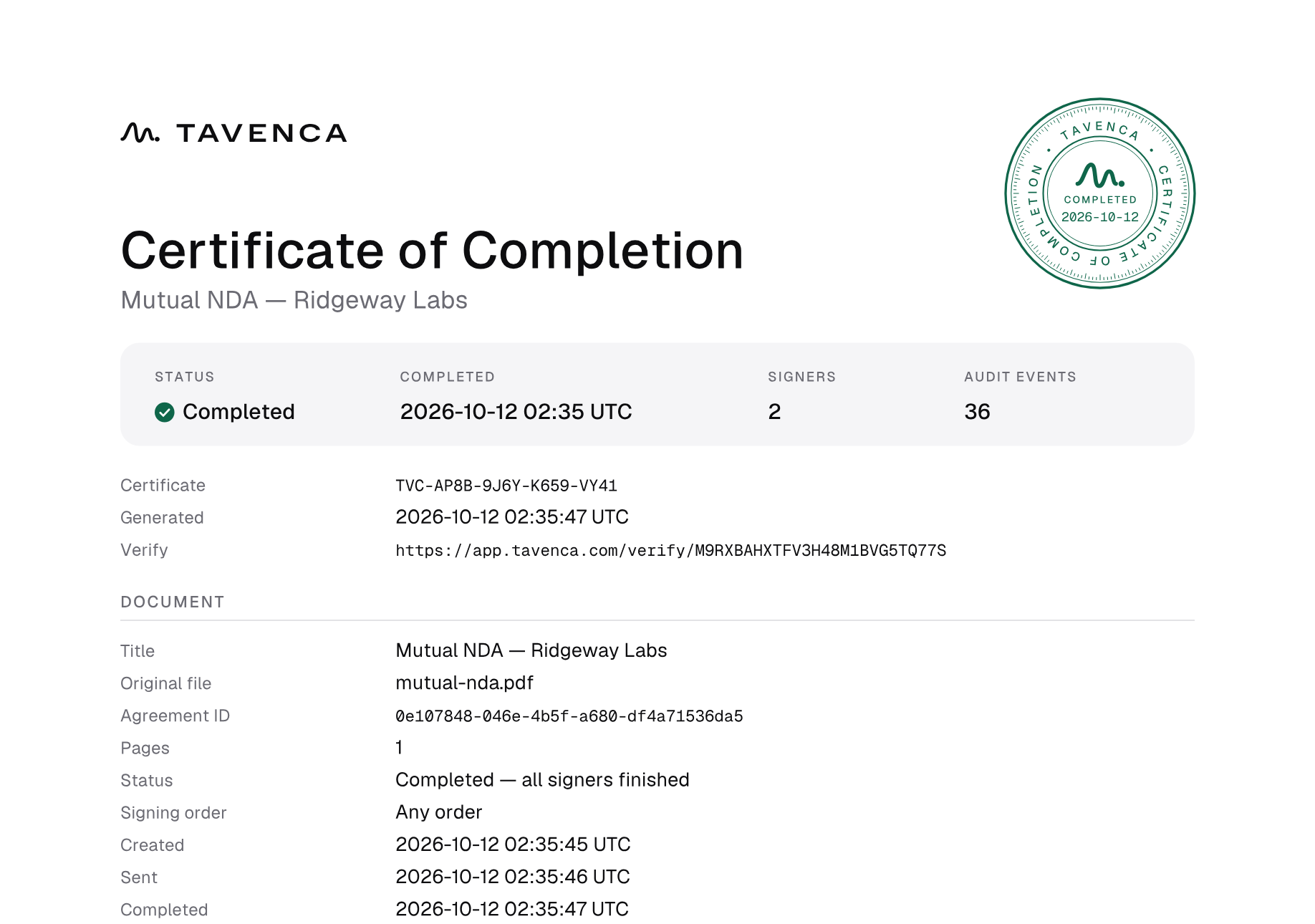
Compare any PDF with the record on the verification page. The file never leaves the device; only its fingerprint is compared.
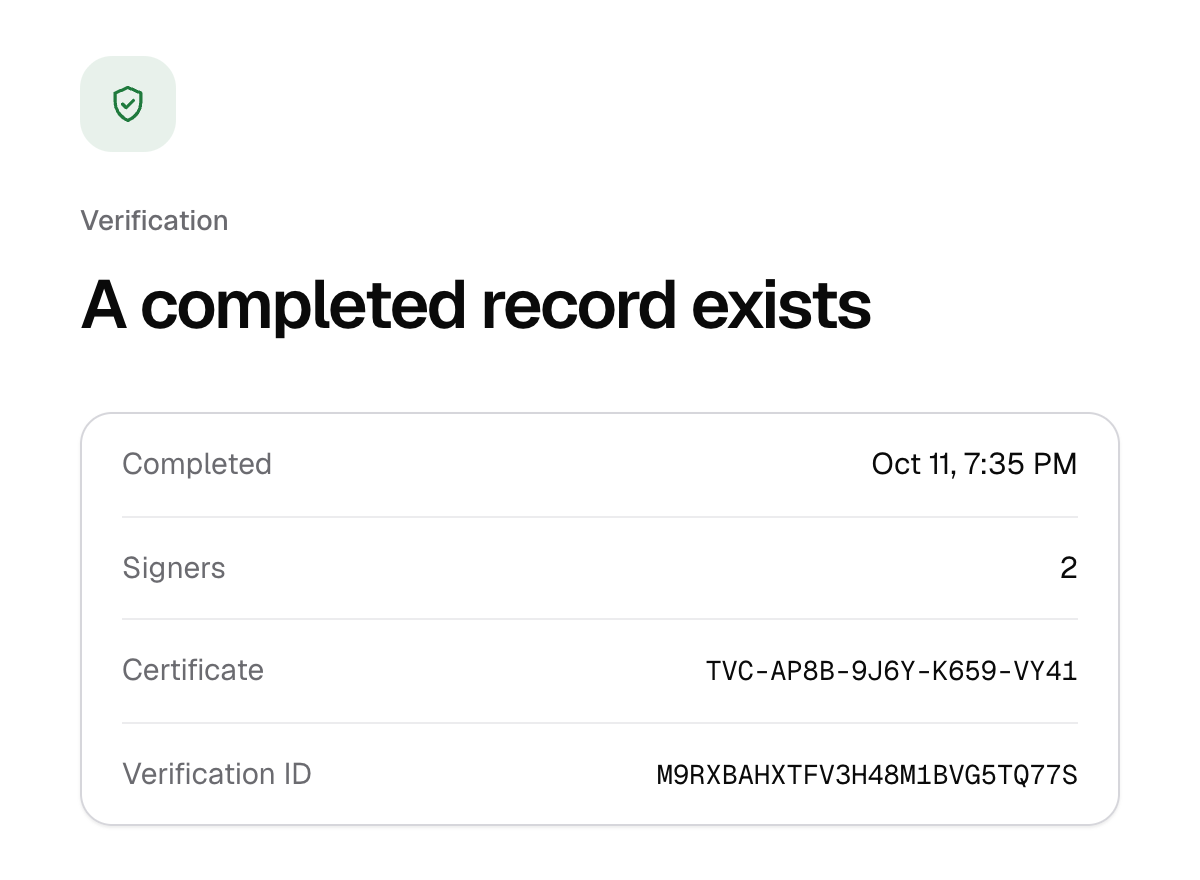
Send to everyone at once, or one after another.
Nudge anyone who hasn’t signed yet.
Place fields first. Your PDF stays on your device until you send it.
Start from any PDF. You won’t need an account until you send it.
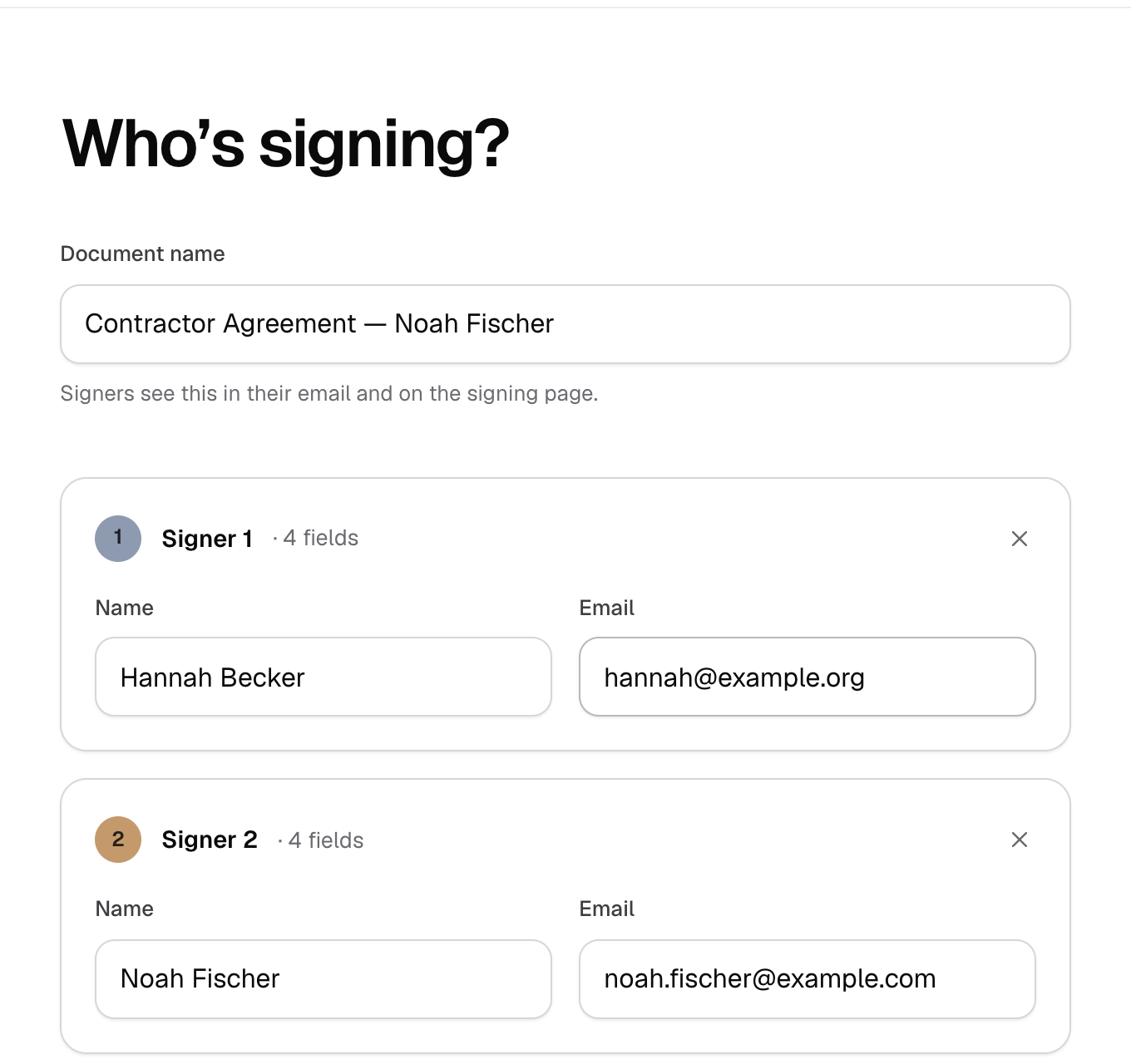
Name each signer, then put their fields right where they belong.
Each signer gets a personal link. When the last one signs, everyone receives the finished PDF and its certificate.
Security
A signature is only as strong as the record behind it. Tavenca protects both, in eight layers that work together.
The standards behind Tavenca’s security. They describe the technology it uses; they aren’t certifications or audits.
Controls 01/08
Documents in Amazon S3 and the database are encrypted with AES-256. Signatures and authenticator secrets are encrypted again by Tavenca, with keys kept outside the database.
Every connection uses TLS 1.2 or later: from your browser to Tavenca, with HTTPS enforced by HSTS, and from Tavenca to its database and file storage.
Every file’s SHA-256 fingerprint is recorded when it’s created and checked again each time it’s opened. A file that no longer matches is never served.
Each completed document and its audit trail are timestamped by an independent authority. The signed timestamps travel with the certificate, so anyone can check them with standard tools.
Completed PDFs and certificates are stored write-once, read-many under S3 Object Lock until their retention date. Not even Tavenca’s own app can alter or delete them early.
Every step is written once to an append-only audit trail, each event sealed with the hash of the one before it. Edits and deletions are refused, and tampering is detectable.
Each signer gets a link of their own, with 256 bits of randomness, stored only as a hash. Links expire, and you can require a one-time code from the signer’s inbox.
Sign in with one-time email codes, add an authenticator app as a second step, and sign out other devices at any time.
Have a signed copy? Check it against the record.
Pricing
No credit card. No trial. Every feature included.
Signing a document shouldn’t cost anything, so sending and signing will stay free. There are no ads, and we never sell your information. If we add paid plans, they’ll be for extras businesses ask for, and nobody is charged without agreeing first. More about pricing